
Google Meet
Google Meet room setup, configured to join with one tap.
Conference room AV design, installation, and support for cameras, microphones, displays, room control, and video conferencing.
Conference room systems designed around standards-based video and the meeting platforms your office uses every day.
Google Meet room setup, configured to join with one tap.

Teams Rooms deployment, calendar sync, and one-touch join out of the box.

Zoom Rooms integration for rooms, panels, and scheduling displays.
They show up three months later, when the mic cuts out mid-call, the display won't hand off between laptops, or nobody on staff can figure out why Teams Rooms lost the room calendar sync again.
Internal IT teams weren't hired to run AV. They're stretched across the network, the help desk, and security, and a boardroom camera that won't focus isn't their specialty. So the room gets a workaround, then a second workaround, and eventually the team just books a different room.
Nobody remembers the meetings that went fine. They remember the one where the client sat there watching someone restart the display for the third time.
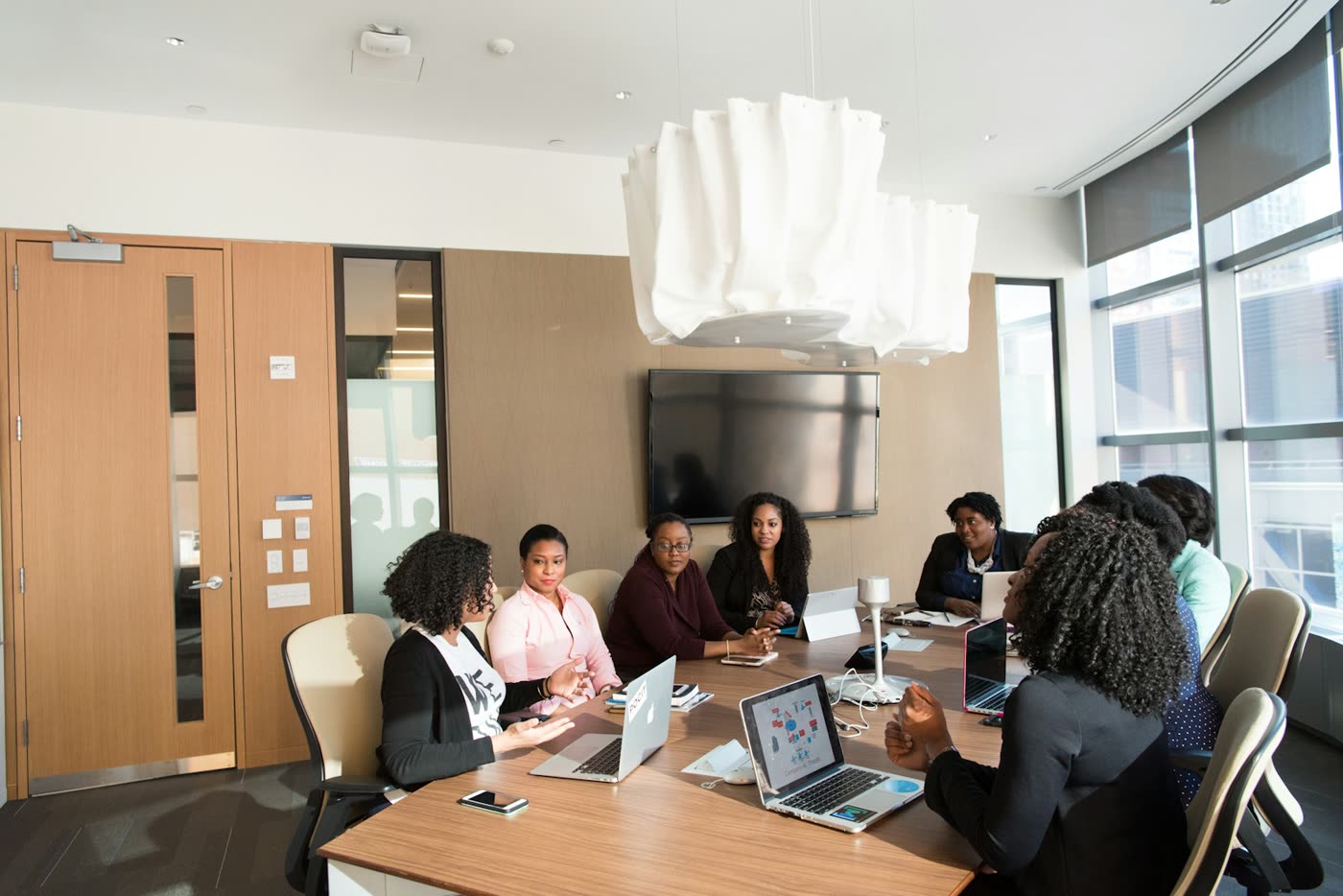
We design, install, and support conference room AV systems for Toronto offices, from a single huddle room to a full floor of boardrooms. One team handles the walkthrough, the install, and the ongoing support call, so there's no finger-pointing between the hardware vendor, the IT contractor, and whoever pulled the cable.
The system depends on the room: seat count, call volume, ceiling height, glass walls, and what the existing network can carry.
Book a Free Room Assessment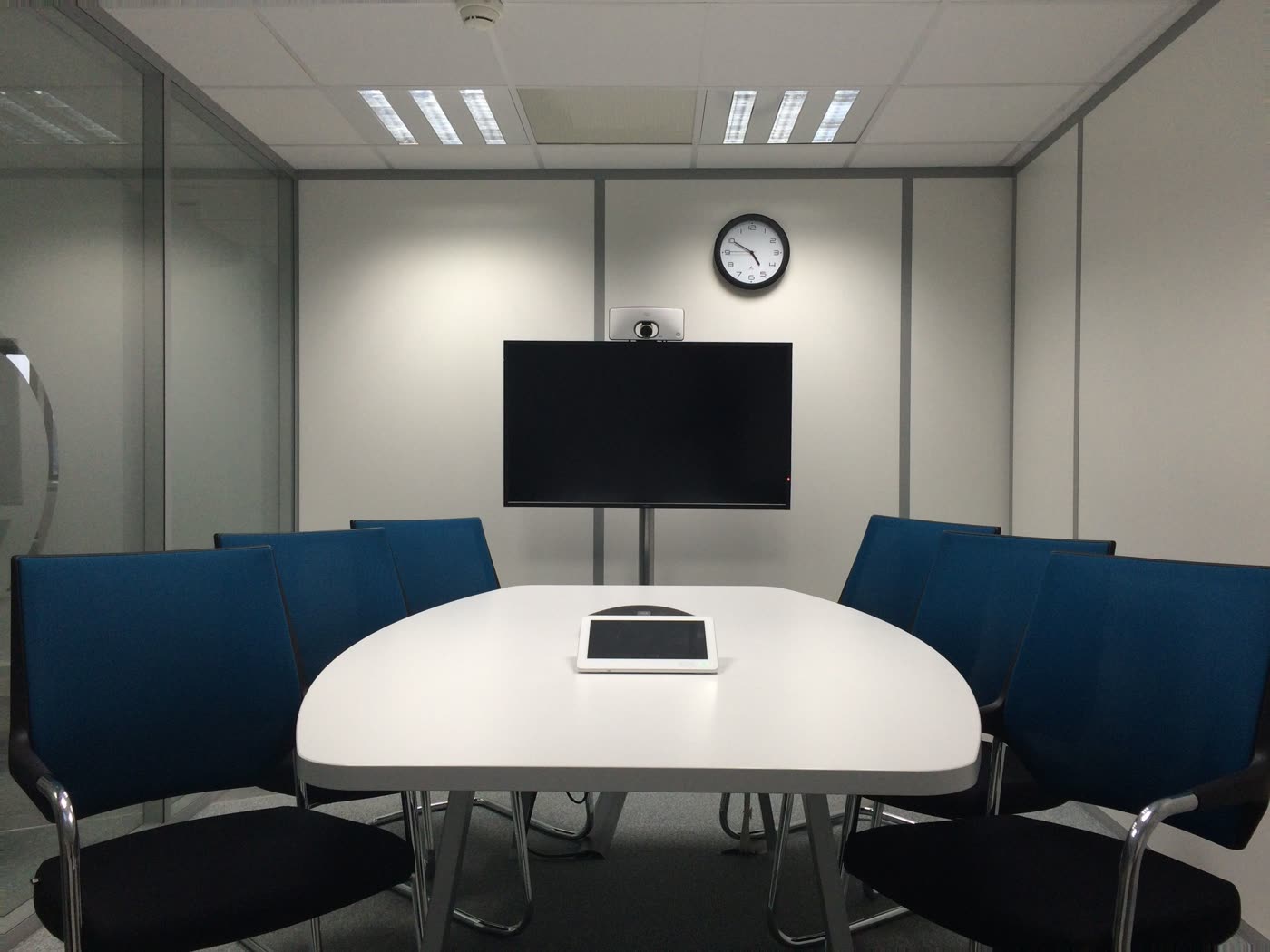
Every system is matched to the room it's built for, not dropped in off the shelf.
Something breaks, you call one number. You're not tracking down whoever sold you the mics versus whoever ran the cable.
Open-concept floors, glass boardrooms, and hybrid teams create acoustic and camera-framing problems generic AV playbooks miss.
Systems designed for Google Meet, Microsoft Teams Rooms, and Zoom Rooms.
Support is available after installation, so your team has a clear place to turn when the room needs attention.
Walk in, tap once, and start the call. No cable hunt, no audio test, and no asking IT to rescue the room while everyone waits.
Typical outcome · Hybrid boardroom upgrade
From a two-person huddle room to a full presentation space, the install scales with the room.
PTZ (pan-tilt-zoom) cameras sized to the room, with auto-framing so remote participants see the whole table, not just whoever sits closest to the lens.
Ceiling, table, or beamforming array mics matched to room shape and acoustics, so voices come through clearly without echo or crosstalk.
In-ceiling or soundbar audio paired with displays sized for the room, tested for clear audio and readable content from every seat.
One-touch join panels and room scheduling displays outside the door, so booking and starting a meeting takes seconds.
Configuration for Microsoft Teams Rooms, Zoom Rooms, and Google Meet workflows, including room accounts, calendar integration, and one-touch joining where supported.
Cable management and network configuration so the system is reliable and clean, not a nest of dongles under the table.
| Room type | Typical seats | What's involved |
|---|---|---|
| Huddle room | 2 to 4 | Compact camera/speaker bar, single display, simple one-touch join |
| Standard boardroom | 6 to 12 | Dedicated camera, ceiling or table mics, larger display, control panel |
| Executive boardroom | 12+ | Multi-camera, beamforming mic array, dual displays, full room automation |
Conference room systems planned around Google Meet, Microsoft Teams Rooms, and Zoom Rooms workflows.
Google Meet
Microsoft Teams Rooms
Zoom Rooms
Remote participants can hear the whole table and follow the conversation without asking people to repeat themselves.
Typical outcome · Standard boardroom
A consistent setup across rooms means fewer one-off fixes, simpler onboarding, and a support path people actually know how to use.
Typical outcome · Multi-room rollout
Cost depends on room size and what's already in place. Small huddle rooms typically cost less than standard boardrooms and executive rooms with multi-camera setups and full automation.
Cameras, microphones, speakers, a display, a control panel or touch interface, and the cabling and network configuration to connect it all. Most installs also include platform setup (Teams Rooms, Zoom Rooms) and a walkthrough with your team.
Yes. We design and configure rooms for Microsoft Teams Rooms and Zoom Rooms, including displays, cameras, microphones, speakers, controls, and calendar integration.
Timelines depend on room size and whether it's new-build or retrofit.
We can assess both new rooms and existing rooms with AV problems, then recommend what can stay, what needs attention, and the right next step.
We focus on offices across Toronto and the GTA. Send us your location and project details so we can confirm coverage for your building.
Support options depend on the system and project scope. We document the available coverage in your proposal before work begins.
Request a room assessment to review the space, meeting platform, existing AV equipment, and the problems affecting calls.
We walk the room, or start from your floor plan, ask a few questions about how the team actually uses it day to day, and send back a recommendation. That's the whole process.
You leave the assessment knowing what the room needs, what can stay, and where the real priorities are—without committing to an install.
What to expect · Room assessment
Include the Toronto or GTA location, room size, seat count, current setup, meeting platform, and what is not working.